
origin is live and ready to host your code!
here's how you get started x.com/i/article/2089…

eric zakariasson
@ericzakariasson
Get started with Origin
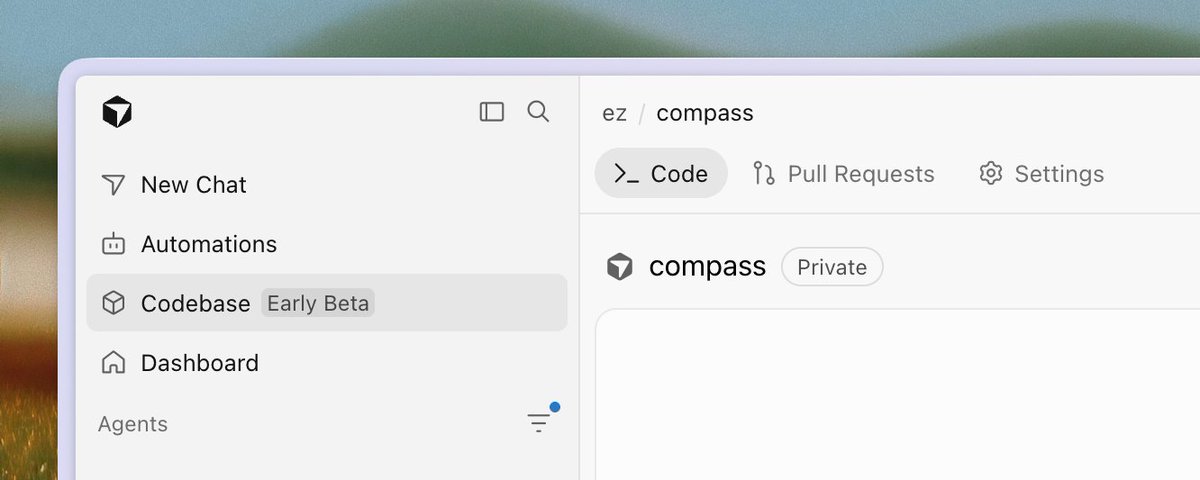
Origin is finally in early beta and is currently rolling out
With Origin, you can create a repo, push and pull with git, or mirror one from GitHub. Browse and search the code, open and merge PRs, and attach cloud agents to the same remotes. All of the things you're used to!
We've been running on it internally for the last month, and it's our daily driver. Early beta starts today on Pro, Teams, and Enterprise (not free). Access opens in stages, so you might not see it as soon as it unlocks for your plan.
Open Codebase
Open cursor.com/codebase to get started. This is where your team's repos live now. The first time you open it, you go through a short onboarding where you can sync repos from GitHub (if you still use legacy privacy mode, switch to current Privacy Mode first, or Origin will not enable).
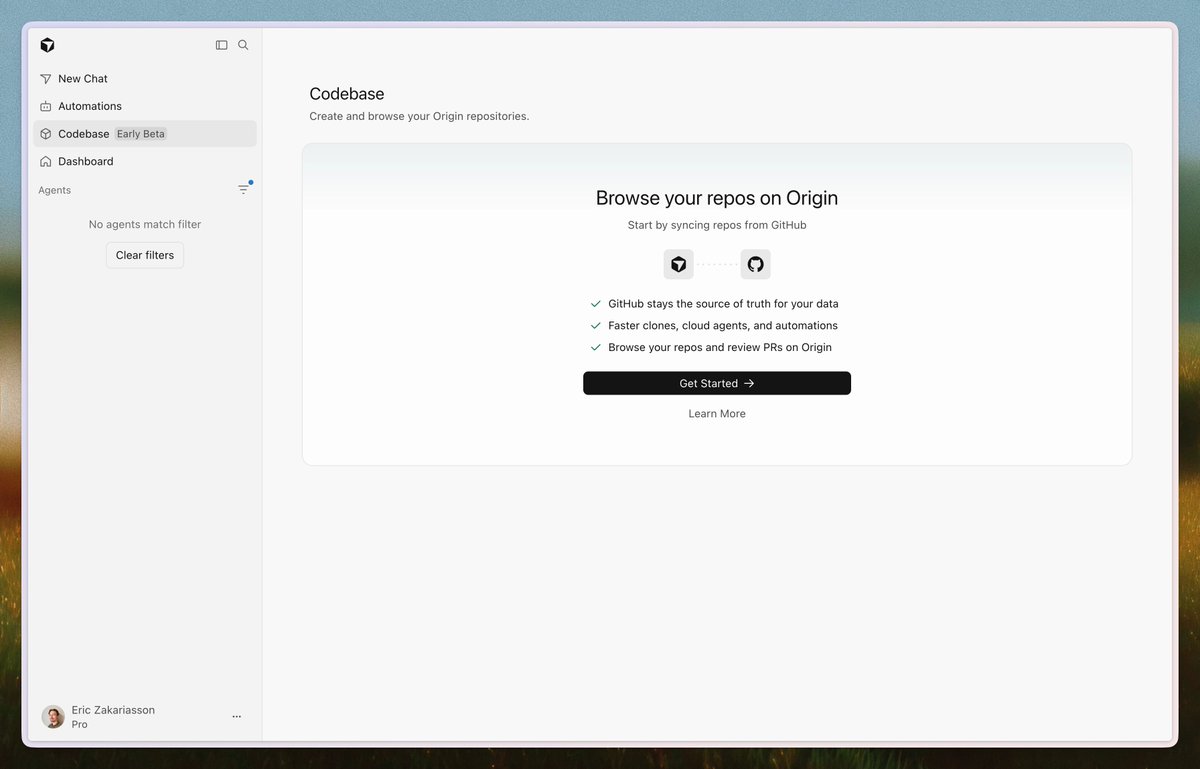
From this screen, select Get Started to sync a GitHub repo or create a new one.
There are two repo types:
- Origin-hosted: you create it on Origin. Origin is the source of truth, and PRs stay on Origin.
- Mirrored from GitHub: Origin keeps a live copy, but GitHub is the source of truth.
Sync your GitHub repos
You'll most likely start here. Mirror a GitHub repo and you get Origin browse, search, PRs, and agents on that history. You need Origin access, the Cursor GitHub app on the org, and GitHub admin on the repo.
Select Sync from GitHub, pick the org and repo, then confirm.
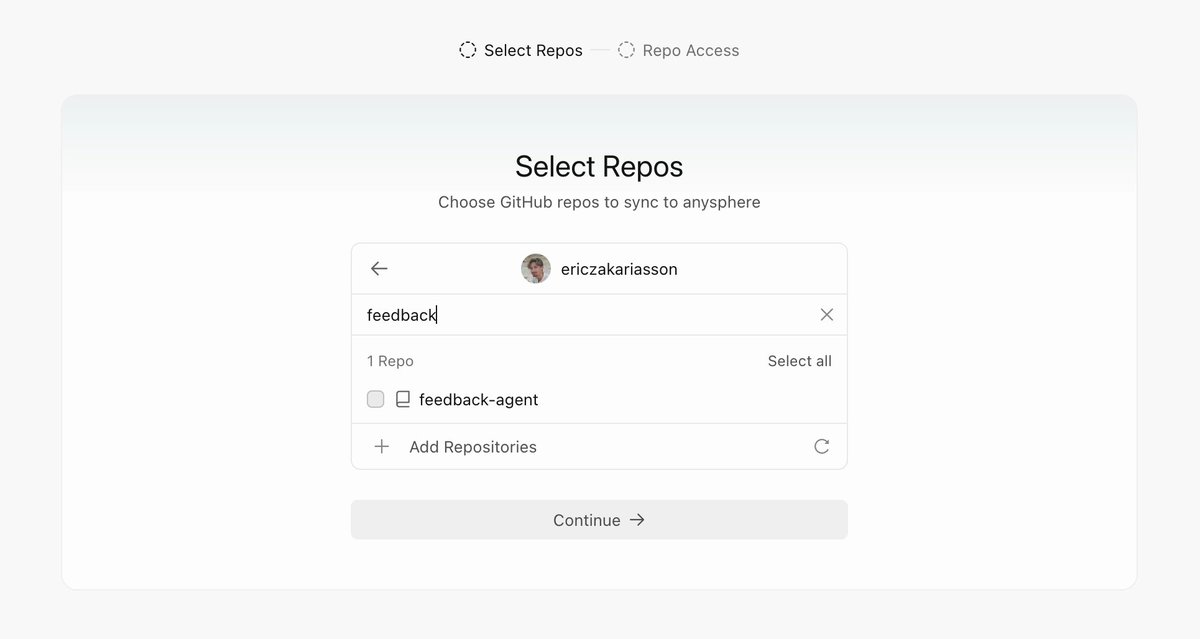
Git history, branches, tags, and PRs come over. PRs sync both ways, and Origin stays up to date. Issues, Actions workflows, and secrets stay on GitHub (for now)
Clone from Origin if you want a local checkout, but pushes still go to GitHub. Leave a review on Origin and it shows up on GitHub in seconds, and the other way around!
To make Origin the source of truth, go to Settings → General → Detach from GitHub. This does not change the GitHub repo.
Create a new repo
After onboarding, you can also create a new repo: select New, name it, choose Internal or Private, then select Create Repo. Internal is visible to anyone on your team, same idea as GitHub. Private is only people you grant.
To get started with Origin and your codebase, install the CLI. (No, this is not the same as the Cursor CLI.)
Install from downloads.cursor.com/origin, then run:
The binary is at ~/.local/bin/origin. (ask your agent to add that path if your shell cannot find origin) Login also sets the git credential helper, so push and pull work after that.
Browse and review your code
The web UI is a lot like GitHub. File tree, branch picker, Go to file (T), commit history.
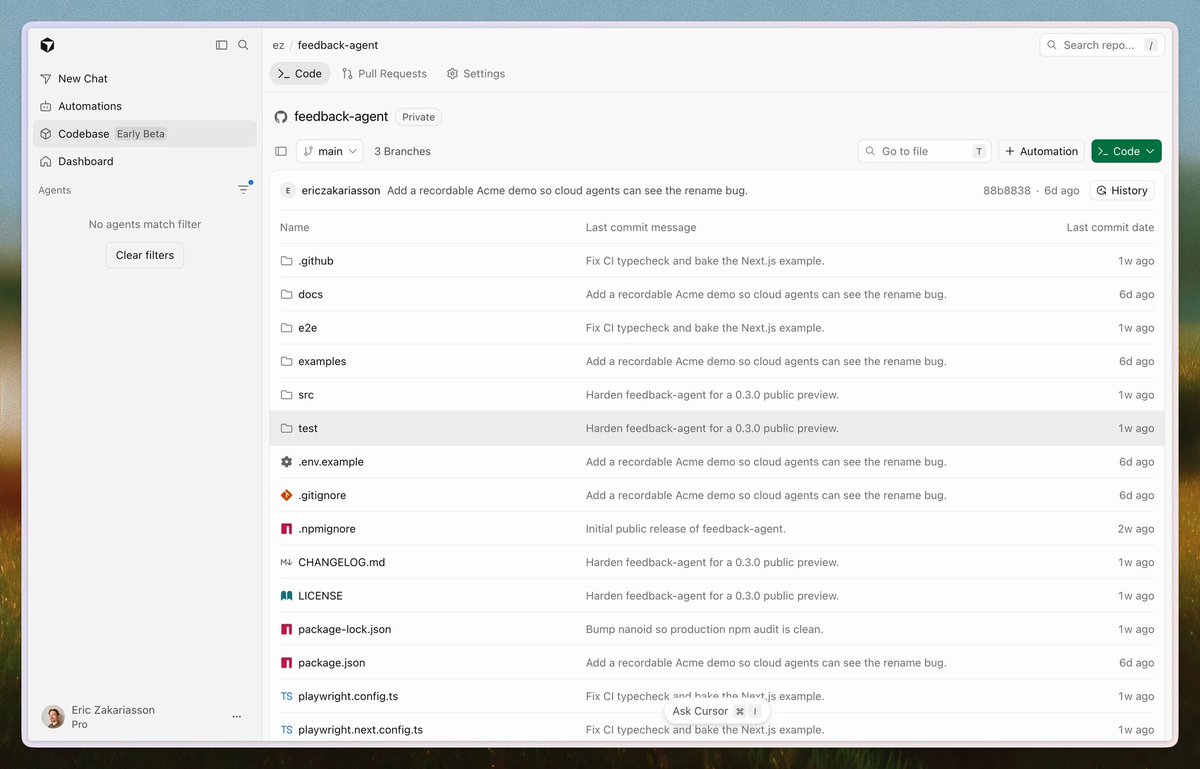
Cmd+I opens agents on the file you're looking at. It can answer questions, edit, update a PR, or push a branch. That kicks off a cloud agent in the sidebar.
PRs have Activity, Commits, Checks, and Files Changed. Comment on a line, request reviewers, merge when checks are green. Conflicts show up before you merge.
On a mirrored repo, GitHub PRs show up here and your comments write back. PRs you open on an Origin-hosted repo stay on Origin.
Connect agents and apps
Cloud agents and automations talk to Origin the same way they talk to GitHub. They can clone, branch, commit, push, and open PRs, with your account's permissions.
Set one up at cursor.com/automations, from the Agents Window, or with /automate. Trigger on push, or when a PR opens or gets a new push. E.g, when PR is merged on main, open a PR to update docs on another repo.
Apps like Vercel, Buildkite etc live in Settings → Apps. There's not a lot of them right now, but we're working on adding more! The Origin API is there if you want to build on it.
Try the early beta
Repos, PRs, browse, GitHub sync, agents, and a few apps work today. Public repos, issues, and a full Actions replacement are not built yet. More agent stuff is coming, and permissions and branch protections are still being redesigned.
Docs: cursor.com/docs/origin
We're very curious to hear what you think, please let us know!
9:37 PM UTC · Aug 17, 2026 · 54.6K Views
3125564325