
If you've installed REA, 𝘀𝘁𝗮𝗿𝘁 𝘄𝗶𝘁𝗵 𝘆𝗼𝘂𝗿 𝗼𝘄𝗻 𝗔𝗖. Have Opus 5.5 take apart the AC's official app, figure out how it talks to the AC, then build you 𝗮 𝘀𝘄𝗶𝘁𝗰𝗵 𝗶𝗻 𝘆𝗼𝘂𝗿 𝗠𝗮𝗰 𝗺𝗲𝗻𝘂 𝗯𝗮𝗿.
Someone has already turned their AC into an MCP, and with one prompt, a switch showed up in the menu bar. The person who did it first ported it to AR glasses in under 15 minutes. Put on the glasses, face the AC, and it turns on.
Water heaters, lights and robot vacuums work the same way. If the vendor's app is a pain, give it a try. Only take apart devices you own, and check the vendor's terms first.
Send this to Opus 5.5 in Claude Code, with your device in the brackets 👇
"I want to control my own [device brand and model] from my Mac.
1. First ask me whether it has Wi-Fi and can be controlled from a phone app. If it only works with an infrared remote, stop and tell me.
2. Check whether the vendor offers an official API, or a ready-made integration for a smart home platform like Home Assistant or Matter. If one exists, use it and stop there.
3. If none exists, use REA to analyze this device's official app. Look only at how the app talks to the device, and work out what it sends for power, temperature, fan speed and mode. If you need tools like an Android emulator or Ghidra, tell me where to get them, and don't install them yourself. Don't touch anyone else's account, and don't bypass any login or encryption.
4. Back every conclusion with evidence, and keep what you saw separate from what you're guessing.
5. Once it's clear, wrap it in an MCP first, then build a Mac menu bar app on top of it. Show me the plan first, and only write code after I approve."

Vox
@Voxyz_ai
Vox @Voxyz_ai
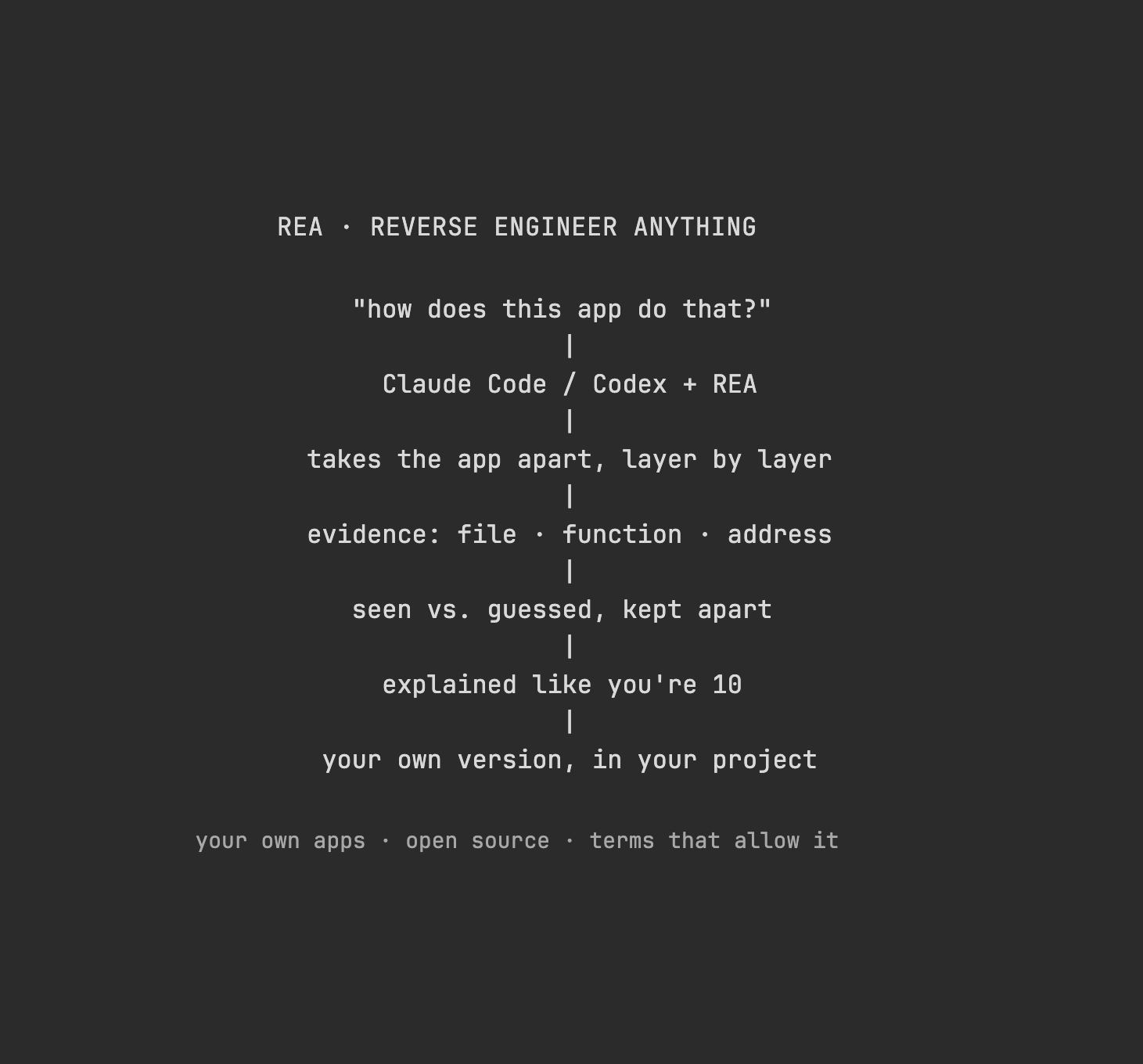
Highly recommend adding REA to Claude Code or Codex. The name stands for 𝗥𝗲𝘃𝗲𝗿𝘀𝗲 𝗘𝗻𝗴𝗶𝗻𝗲𝗲𝗿 𝗔𝗻𝘆𝘁𝗵𝗶𝗻𝗴. See a feature you like in another app? Have your agent take it apart to see how it's built, then 𝗯𝘂𝗶𝗹𝗱 𝘆𝗼𝘂𝗿 𝗼𝘄𝗻 𝘃𝗲𝗿𝘀𝗶𝗼𝗻 in your project.
9:00 PM UTC · Oct 13, 2026 · 20.1K Views
729416581