
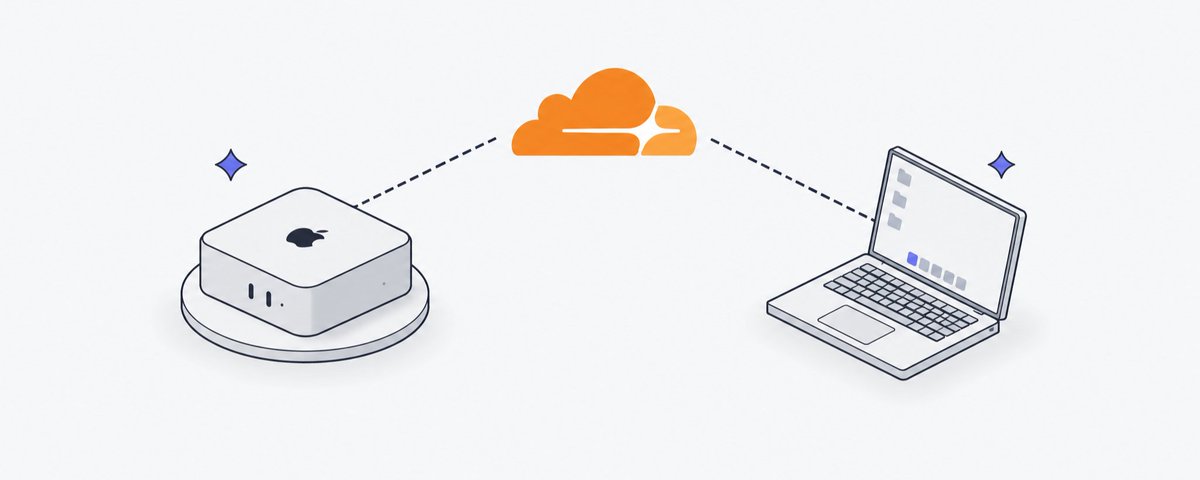
I have a Mac mini sitting in my closet. I wanted it running 24/7 at home for personal projects and AI coding agents, and I wanted to use it from anywhere, in just a browser.
Here's the setup. It took about an hour, and it's all free fyi.
Stack
- Voxl from @tembo an open-source screen streamer (H.264 over WebSocket into the browser). It also has a built-in file browser for uploads and downloads.
- Cloudflare Tunnel - the Mac mini connects out to Cloudflare. No port forwarding, and no public IP needed.
- Cloudflare Access - a login wall in front of it. Only my email gets in, verified with a one-time code or Passkeys.
and now I have my own remote desktop accessible at https://mini.mydomain.com Here's how it works
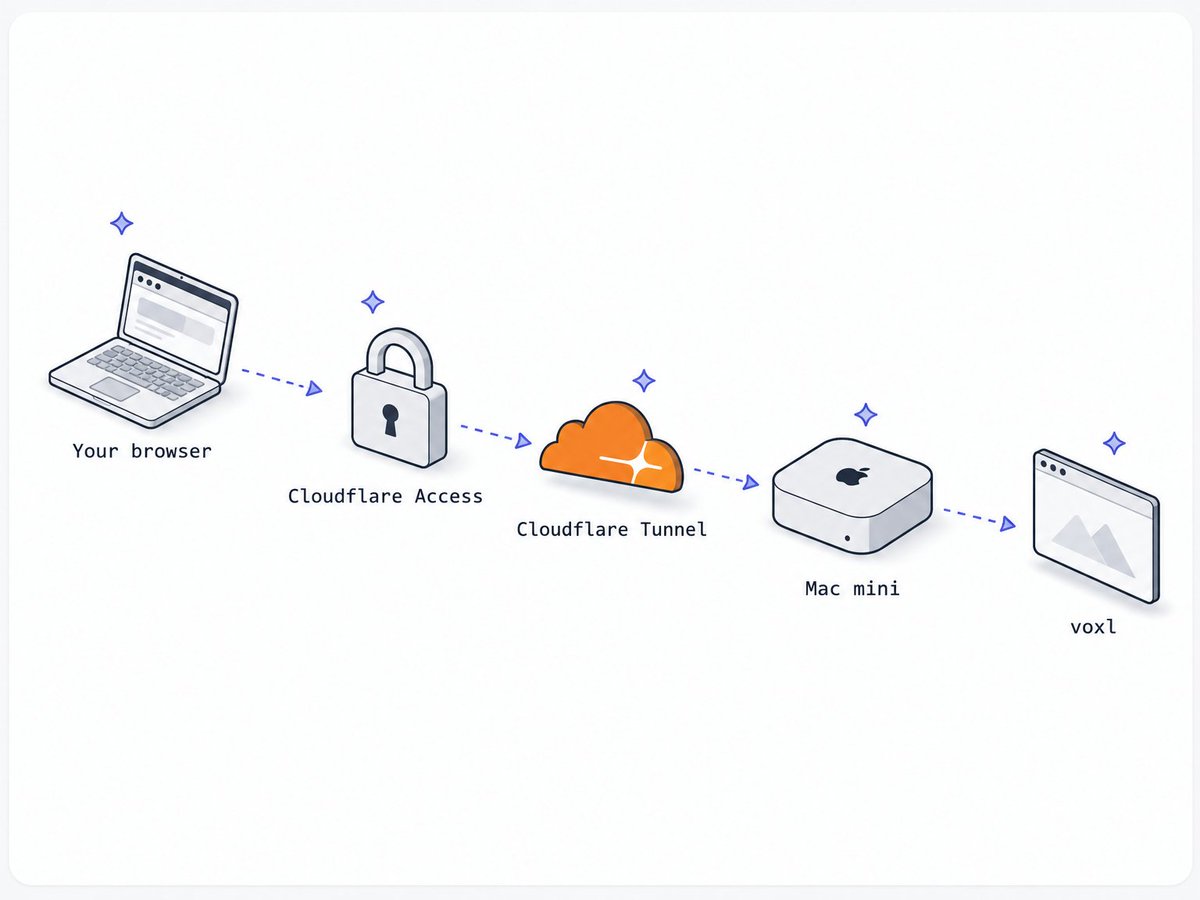
voxl only listens on 127.0.0.1. Nothing on my home network is exposed.
- Prepare the Mac mini to run headless: no sleep, auto-start after power loss, auto-login.
- Install voxl. Grant Screen Recording + Accessibility.
- cloudflared tunnel login → tunnel create → tunnel route dns
- Point the tunnel config at voxl
5. Add a Cloudflare Access app for that hostname, with a policy that allows only your email.
6. Use launchd to start voxl and the tunnel at boot.
Had to write a little workaround
On macOS, cloudflared service install created a launch agent that runs cloudflared without tunnel run. It just exits, and you get Error 1033.
Fix: write your own LaunchAgent that runs cloudflared tunnel run <name>. After that, it survives reboots and power cuts. (I live in India, so power cuts are a real concern)
How much does this cost?
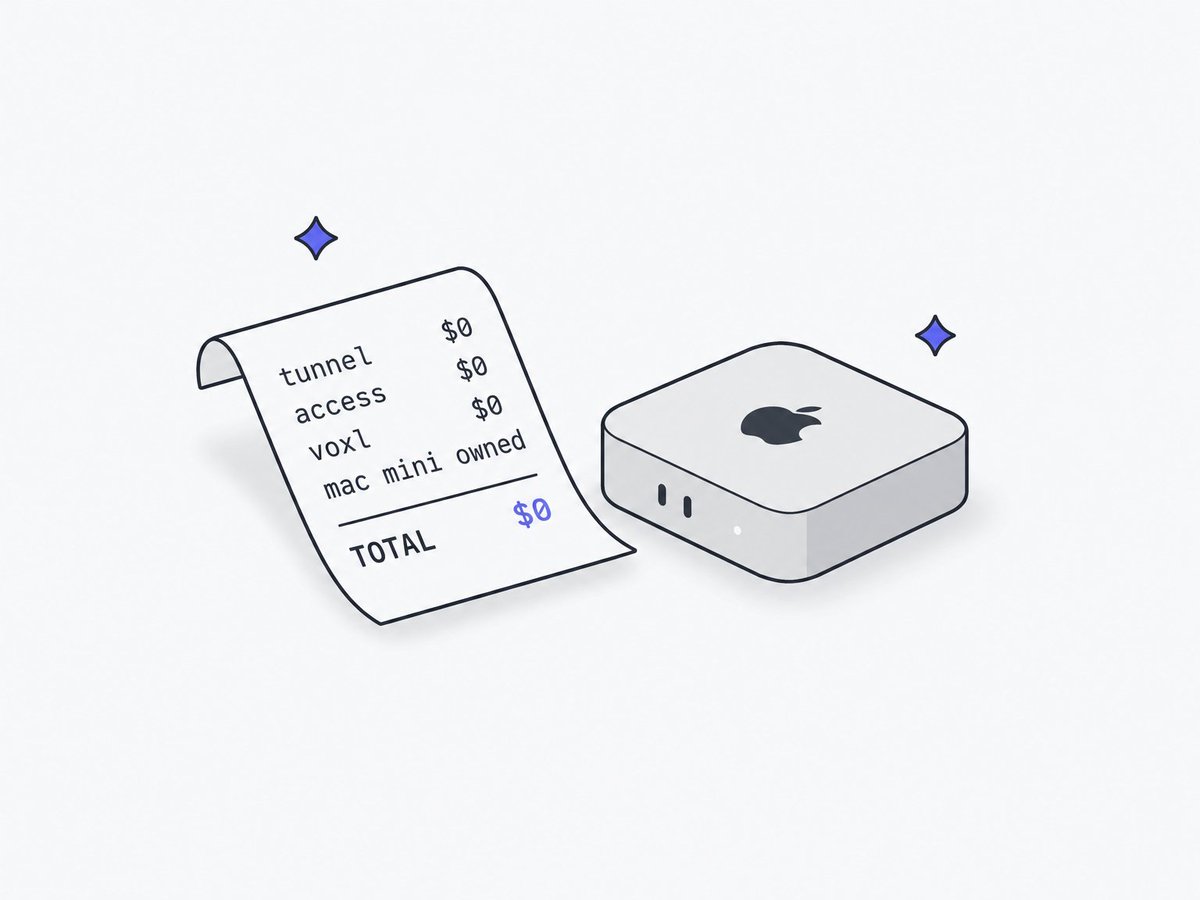
- Cloudflare Tunnel: free
- Cloudflare Access: free (up to 50 users)
- voxl: open source
- Mac mini: already in my closet
Now my AI coding agents run on the Mac mini 24/7, and I can check on them from any browser.
Edit - you will need a dummy screen emulator to keep it running with the screen all the time, or you will see a black screen h/t to @wesbos